QuickImageToText started as a way to copy text out of screenshots and scans without sending them to someone else's server. It runs the open-source Tesseract engine inside the browser and keeps the interface to the few controls you need.
Who Runs QuickImageToText
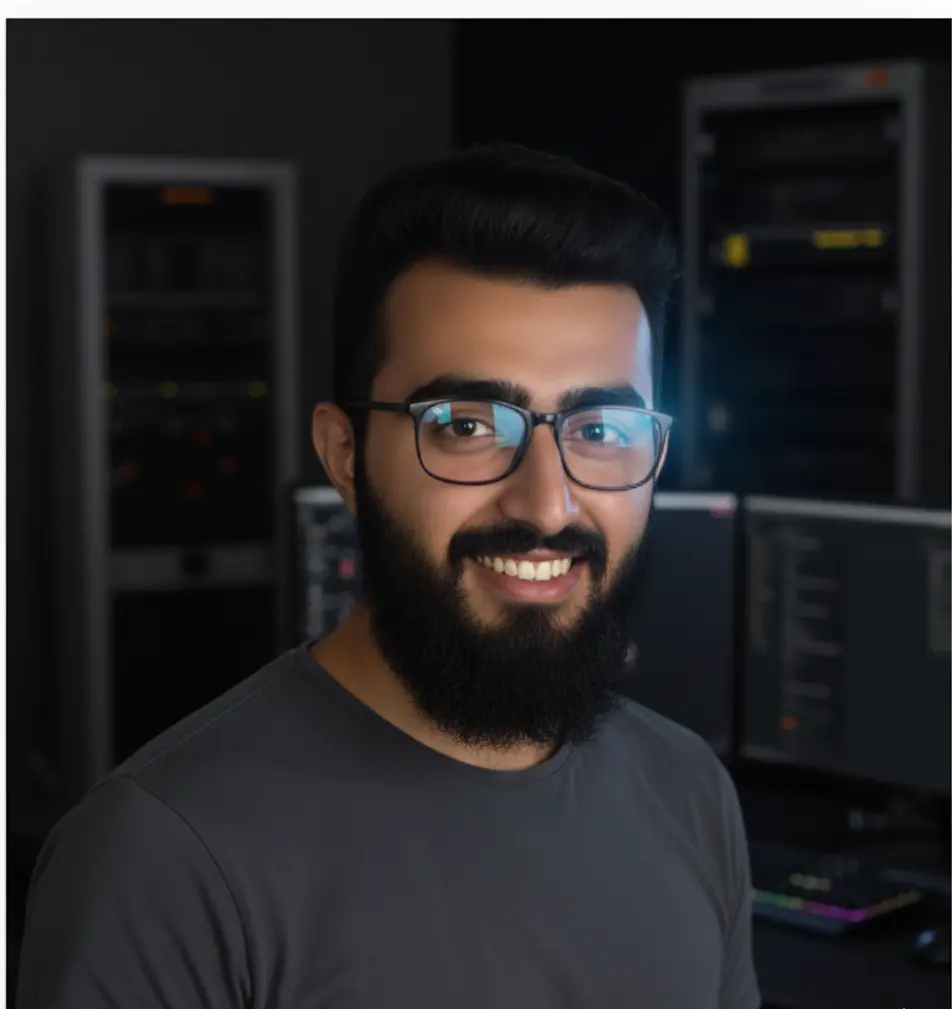
Arbab Naseer
Founder and developer
Arbab Naseer built QuickImageToText and runs it independently. The OCR engine is Tesseract.js, the open-source Tesseract engine compiled to run inside your browser, so your images are never uploaded.
Key Contributions
Built the site, the in-browser OCR integration based on Tesseract.js, the OCR language selector, and the batch and PDF tools.
Role in Project
Develops and maintains the site, writes the guides and answers messages sent through the contact page.
Specializes in technical SEO and search visibility. Laeeq brings cutting-edge optimization research into practical applications.
Key Contributions
Drives organic search strategy for the site, from technical SEO audits to keyword research and content optimization across every tool page.
Role in Project
Leads SEO strategy, optimizes on-page content and structured data, and researches new opportunities for multilingual search visibility.
Technical SEO
Content Strategy
Data-Driven Optimization
Search Growth
Our Product
QuickImageToText uses advanced OCR algorithms with pre-processing to improve accuracy on photos, scans and screenshots. It supports many image formats and multiple languages.
Why Choose QuickImageToText?
Powerful features designed to make text extraction simple and efficient
Fast on your device
Extract text from images in seconds with our optimized OCR engine.
Privacy First
Your images are processed locally. We never store or share your data.
High Accuracy
Tesseract's LSTM models read printed text in 19 languages. Clear, high-contrast images give the best results.
Multi-Language
Support for 19 languages including English, Arabic, Chinese, and more.
Mobile Friendly
Works in current browsers on desktop, tablet and phone.
Free to Use
No registration, no subscription. Just upload and extract text instantly.
Tips & Tricks for Best Results
Use high-contrast images for better OCR accuracy
Crop to the area containing text before converting
Prefer PNG/JPEG with at least 300 DPI for clean results
Ensure good lighting when taking photos of documents
Turn a screenshot into editable text: capture it, paste it straight into a free browser OCR, and copy the result. Shortcuts for Windows, Mac and phones.